
How to Eliminate Manual Overlocking in Self-Storage Using Automated Locks?
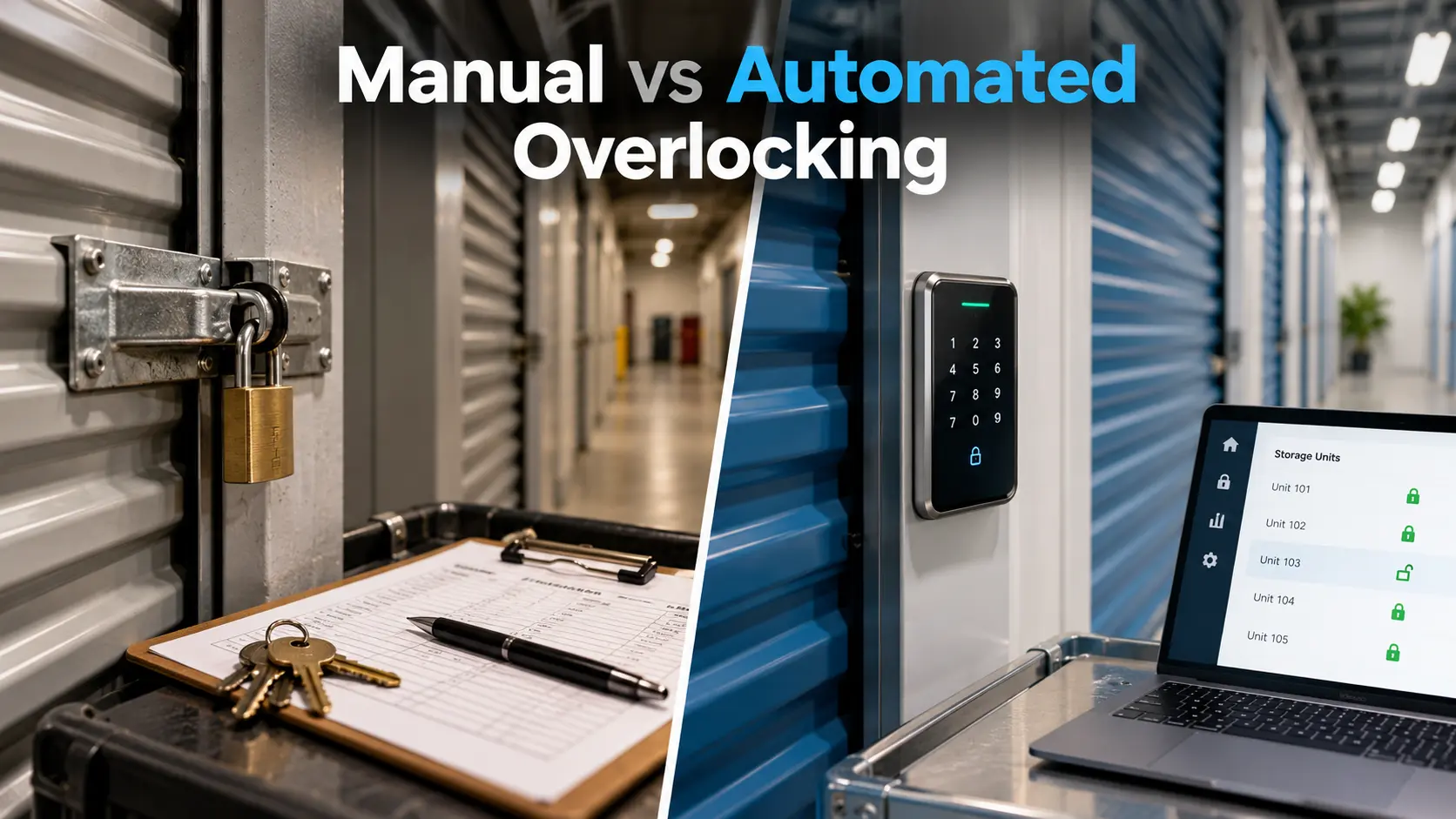
You eliminate manual overlocking by replacing bolt cutters and site visits with smart locks that your management software controls on its own. Overlocking in Self-Storage has long meant sending a manager to every past due unit with a second lock. That routine eats labor hours, damages doors, and sparks tenant arguments. Automation removes the trip and enforces your lease terms within seconds.
This guide shows how delinquency management, gate access control, and smart lock hardware work together. You will see a side by side comparison of manual and automated methods. After that, you get a rollout plan, cost checks, and legal safeguards. Each section adds new steps you can apply at your facility this month.
Manual vs Automated Overlocking Compared
| Factor | Manual Overlock | Gate Access Denial Only | Smart Lock Automation |
| Time to enforce | Hours to days | Minutes | Seconds |
| Staff needed on site | Yes | No | No |
| Door and lock damage | Common | None | None |
| Fit for unmanned facilities | Poor | Fair | Excellent |
| Unit level control | Yes | No | Yes |
| Audit trail | Paper or notes | Gate logs | Full digital log |
| Auto release after payment | No | Yes | Yes |
| Upfront cost | Low | Medium | Medium to high |
Why Manual Overlocking Fails
Manual overlocking worked when every facility had a full time manager. Today many operators run several sites with a small team, and the old method cannot keep up.
Here are the hidden costs:
- Wasted labor: A single walk to each delinquent unit adds up across a large property.
- Delayed enforcement: A tenant can access the unit for days after the due date.
- Cut lock waste: Every removed lock is a lost purchase.
- Disputes: Tenants claim they never received notice or paid on time.
- Safety risk: Staff handle cutting tools and face upset tenants.
Overlocking in Self-Storage Through Automation
Automation links your payment ledger to the lock. When rent goes past due, the software flags the unit and the lock restricts entry. When the tenant pays, access returns without a staff call.
This turns delinquency management into a rule instead of a chore. Your team no longer decides who gets locked on which day. The system follows the lease and logs every action.
Automated Lock Types
Pick the lock type based on your building style and budget.
Bluetooth Smart Locks
These locks open through a phone app or a digital key. They suit indoor and outdoor units and need no wiring. Battery life varies by brand, so ask vendors for tested numbers.
Keypad and Cloud Locks
Keypad models use unique codes for each tenant. The cloud sends a new code on move in and cancels it on move out. This setup works well for drive up units with weather exposure.
Gate Access Control Integration
Gate systems cut off entry at the property line. They stop a delinquent tenant from reaching the building at all. For proof of events, review how automated gate logs help facility owners resolve property damage disputes.
Software Features to Require
Hardware alone does not solve the problem. The software must trigger every action without manual input.
Pick self storage management software that treats Overlocking in Self-Storage as a built in rule. This matters most for operators running facilities in Texas, Arizona, and Florida, where heat and growth keep unit turnover high.
Check for these capabilities:
- Payment sync: Locks react to the ledger in real time.
- Custom grace periods: Set days past due by lease type or state.
- Automated notices: Email and text warnings go out before any lockout.
- Overlock and release rules: Access returns right after payment posts.
- Tenant portal: Renters pay online and see their unit status.
- API and integrations: The platform connects with your gate, cameras, and accounting tools.
- Reporting: Track delinquency rate, occupancy, and recovered revenue.
To compare vendors, browse these examples of storage software for facility operators before you book demos.
Step by Step Rollout
Move in phases so you avoid tenant confusion and hardware problems.
- Audit your units. Count doors, note door types, and mark units with frequent delinquency.
- Review your lease. Add language that allows electronic access restriction.
- Choose a pilot group. Start with one building or one row of units.
- Install locks and connect software. Test lock, unlock, and offline behavior.
- Set your delinquency timeline. Define reminder days, lockout day, and lien notice day.
- Train staff. Show them how to override a lock in case of error.
- Announce the change. Send a notice to current tenants before the first lockout.
- Review and expand. Check results after 60 days, then add more units.
Smart Locks for Unmanned Facilities
Unmanned sites gain the most from this switch. Without a resident manager, nobody is available to overlock on short notice. A smart lock does that job around the clock.
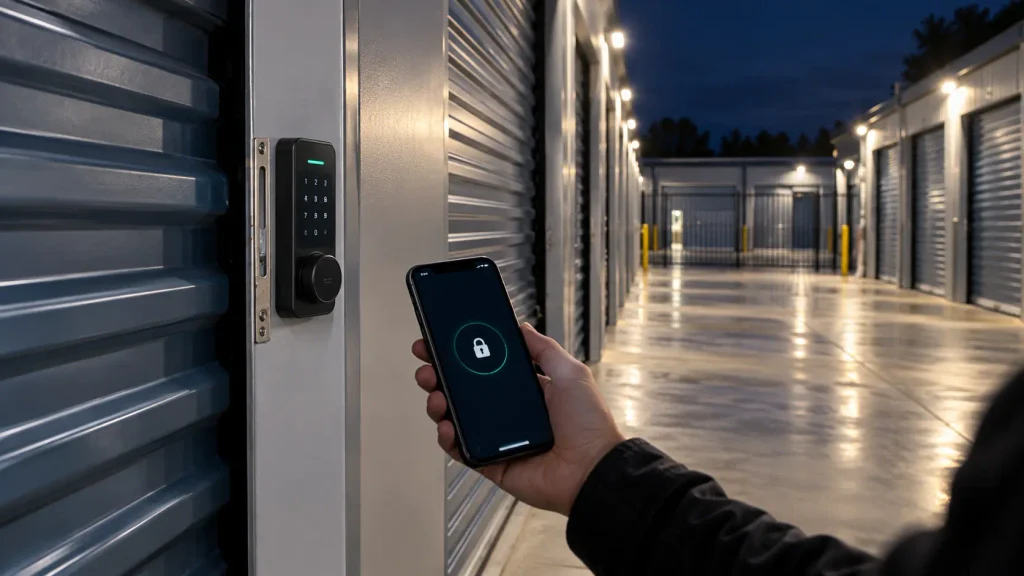
Remote lock and unlock tools also support off hours move ins. Renters sign online, pay, and receive a digital key. For a closer look at this model, read about how smart locks and digital keys are transforming unmanned storage facilities.
Cost and ROI Math
Run a simple test before you buy. Estimate the cost of one manual overlock, including labor, travel time, and a replacement lock. Multiply that by your monthly delinquent units.
Then compare the total to the monthly cost of smart locks spread over their useful life. Add the value of faster rent recovery. Many operators see payback because tenants pay sooner when access ends the day rent is late.
Track these metrics:
- Days to collect after due date
- Delinquency rate by month
- Staff hours spent on enforcement
- Lien and auction volume
- Tenant complaints about access
Legal and Tenant Communication
Rules differ by state, so review overlocking in self-storage requirements with your attorney before you switch. Your lease must allow access restriction, and notices must follow your state timelines.
Keep the process fair and documented:
- Send reminders before the lockout date.
- Store every notice in the tenant record.
- Offer a clear path to restore access.
- Keep lock and unlock logs for disputes.
- Never skip required line steps.
Mistakes to Avoid
Most failures come from rushed setup, not the technology itself.
- Mixing lock brands: Separate systems create gaps and extra logins.
- Ignoring offline mode: A weak signal should not trap a paid tenant.
- Skipping tests: A lock that does not release after payment damages trust.
- No staff override: Employees need a safe way to fix errors.
- Weak tenant messaging: Surprise lockouts lead to bad reviews.
FAQs
What does it mean to overlock a storage unit?
Overlocking means placing a second lock on a unit after the tenant misses rent. It blocks access until the balance is paid. Smart locks do this electronically instead of with a physical lock.
Is overlocking a unit legal?
Yes, in most states when your lease allows it and you follow notice rules. Lien laws vary, so confirm the details with a local attorney. Documentation protects you if a tenant disputes the action.
Can you overlock a unit without being on site?
Yes, if the unit has a smart lock tied to your management software. The system restricts access remotely once the account hits your set delinquency day. No staff visit is needed.
How many days past due should you wait before overlocking?
No, there is no single legal number that fits every facility. Many operators act between 5 and 10 days after the due date, based on lease terms and state law. Set the timeline in writing and apply it to every tenant.
Do smart locks replace the tenant’s own padlock?
Yes, at facilities that use them, the owner supplies the lock. This gives you control over access and removes the need to cut anything. Tenants open the unit with a code or app.
How much do smart locks cost per unit?
Prices often range from about $40 to $150 per door, depending on brand and features. Ask vendors about battery replacement and software fees. Compare the total cost against your current enforcement labor.
Can a paid tenant get locked out by mistake?
Yes, if payment data posts late or the lock loses connection. Choose software with real time payment sync and a quick staff override. Test the release process before launch.
Do smart locks work during an internet outage?
Yes, many Bluetooth models store credentials and work offline for a limited time. Cloud only models may fail until service returns. Ask each vendor how their locks behave without a connection.
Does overlocking replace the lien and auction process?
No, overlocking only restricts access. You still must follow your state’s lien notice and sale steps if the tenant does not pay. Automation helps by keeping records of every notice and action.
Conclusion
Automation replaces slow, risky manual work with a rule your software enforces every day. Smart locks, gate control, and payment sync cut labor, protect doors, and speed up collections. A pilot group lets you test the process before a full launch. Clear lease language and notices keep tenants informed and your records clean.
Start by auditing your delinquent units and choosing software that supports automatic enforcement. A platform built for Overlocking in Self-Storage lets you run several facilities with a lean team. Visit 6Storage to see how these tools fit your operation. Small steps now lead to steadier cash flow and happier tenants.

Leave a Reply