
How Can Self Storage Remote Management Help You Run Facilities from Anywhere?
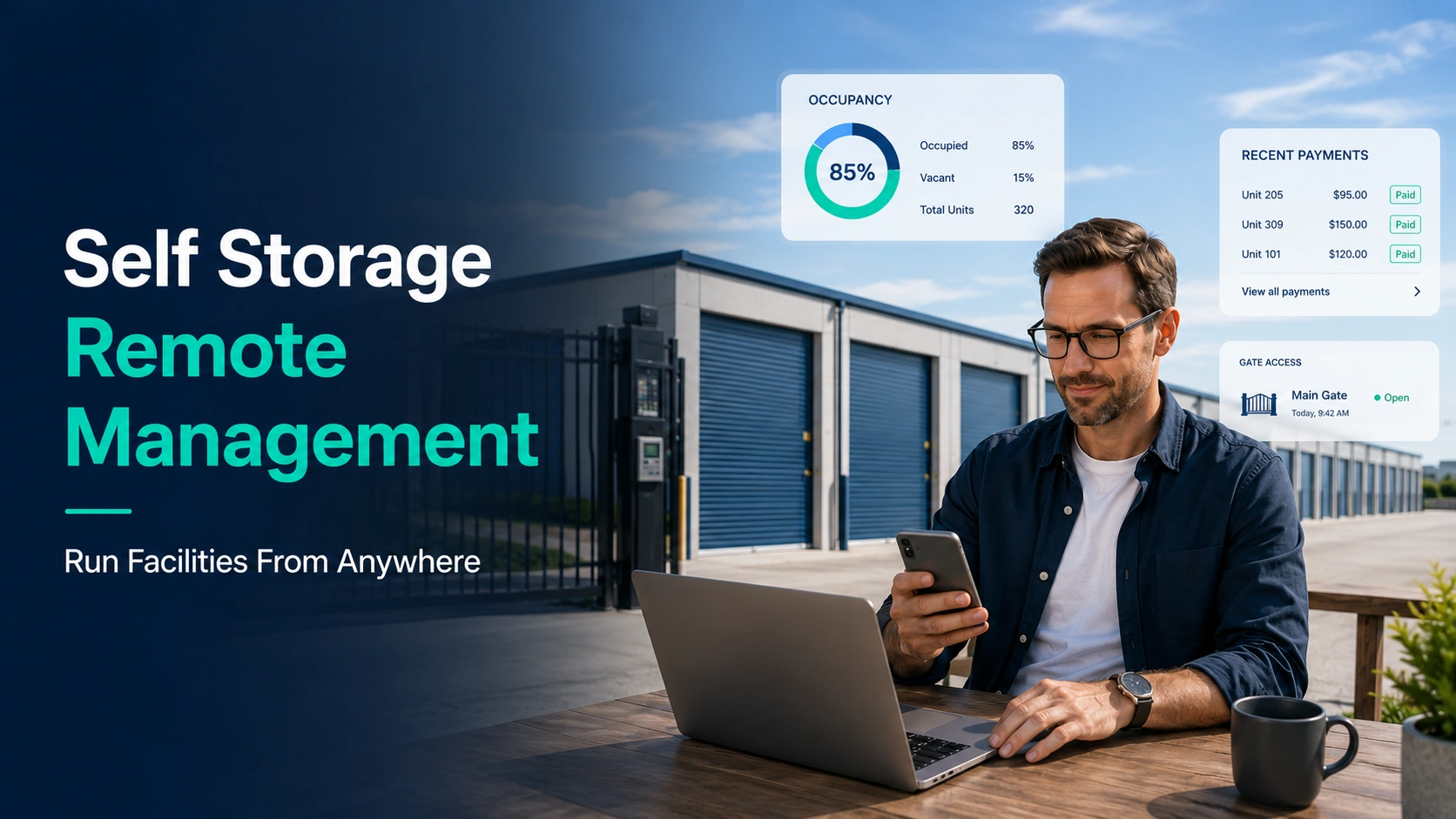
Self storage remote management lets you run daily operations, check-ins, and billing from your phone or laptop without stepping foot on-site. Owners who juggle multiple locations no longer need to drive between facilities just to unlock a gate or approve a rental. A solid self storage remote management setup connects your gate hardware, payment system, and unit tracking into one dashboard you can check from anywhere. This shift is changing how small operators compete with large REITs.
Facility managers used to spend hours on-site handling walk-ins and paperwork. Now, cloud-based tools handle most of that work automatically, freeing owners to focus on growth instead of daily grind. Multi-site operators especially benefit, since one person can now oversee five properties instead of hiring five separate managers. The result is lower payroll costs and faster response times for tenants.
Remote vs. On-Site Management
| Task | On-Site Management | Remote Self Storage Management |
| Unit rentals | Staff needed at desk | Tenant self-checkout online |
| Gate access | Manual code entry | Auto-generated codes via app |
| Rent collection | In-person or mailed checks | Auto-pay, texts, and email reminders |
| Overlock/delinquency | Manual walk-through | Automated flagging and alerts |
| Staffing cost | High (multiple sites) | Low (one manager, many sites) |
| Customer support | Limited to office hours | 24/7 chat or call center options |
Why Facility Owners Are Switching to Remote Models
Labor is the biggest expense for most storage operators. Cutting even one on-site position per facility can save tens of thousands of dollars a year.
Remote managed self storage also reduces human error. Software logs every payment, gate entry, and unit change automatically, so nothing gets lost in a paper file or forgotten sticky note.
Tenants like it too. They can rent a unit, pay rent, and get gate access without waiting for office hours.
Core Features Every Remote System Needs
Online Rental Tools
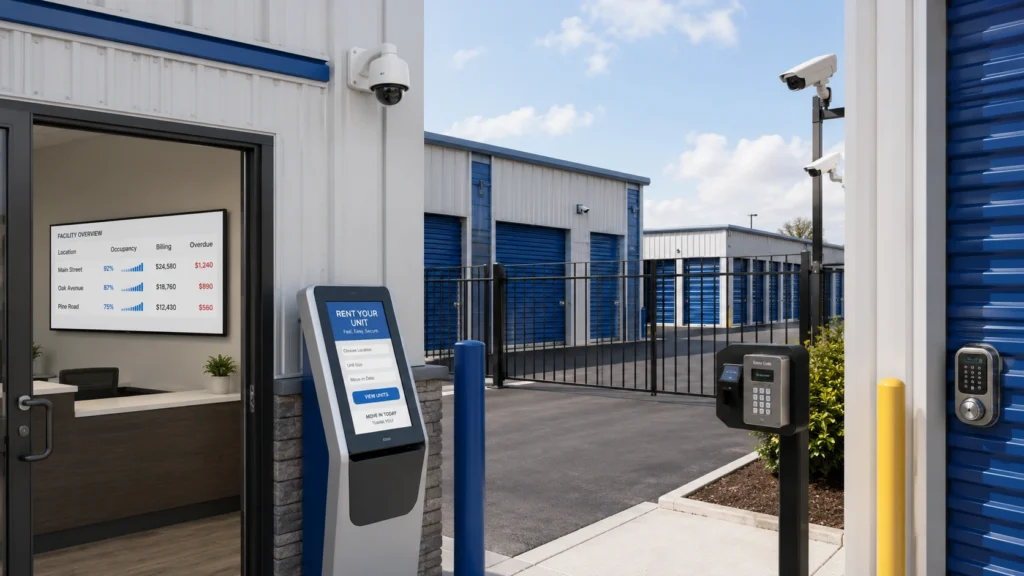
A good system lets renters sign leases, pick units, and pay deposits without talking to staff. This cuts your labor need at the front desk almost to zero.
Smart Access Control
Gate codes and app-based entry replace physical keys. When rent is late, the system can lock a unit automatically until payment clears.
Centralized Billing Dashboard
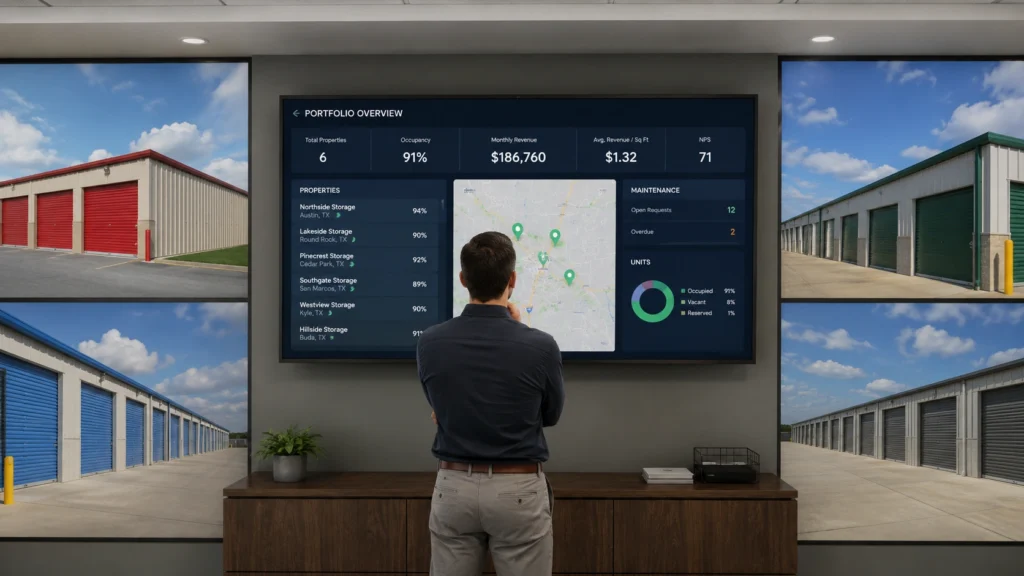
Multi-site operators need one screen showing income, occupancy, and overdue accounts across every property. This is where top-rated web-based self storage software multi-site management 2026 tools really shine, pulling data from all locations into a single view.
Video Monitoring and Alerts
Cameras tied into your management software send alerts for break-ins, unusual access times, or equipment failure, so you know about problems before a tenant calls.
Setting Up Remote Self Storage Facility Management
Getting started doesn’t require ripping out your existing hardware. Most modern platforms integrate with gates, cameras, and locks you already own.
Here’s a basic rollout plan:
- Audit your current gate, lock, and camera brands for compatibility
- Choose software that supports online rentals and auto-pay
- Migrate tenant records and lease data
- Train remaining staff (if any) on the new dashboard
- Test gate access and payment flow before going fully remote
Many owners choose remote self storage software that bundles all these pieces together instead of stitching together five different vendors. This avoids compatibility headaches down the road.
Handling Tenant Issues Without Being On-Site
Late payments, lockouts, and complaints still happen, even with automation. The difference is how fast you can respond.
Cloud dashboards send push notifications the moment a tenant’s payment fails or a gate code doesn’t work. You can call, text, or email them from wherever you are, often before they even notice a problem.
For bigger issues, like a break-in or gate malfunction, most software integrates with local locksmiths or repair vendors near each site. This keeps response time short even if you’re states away.
Multi-Site Growth Without More Staff
Remote management for self storage is what makes portfolio growth realistic for small operators. Instead of hiring a manager per site, one person can watch occupancy rates, revenue, and maintenance tickets across ten locations from a single laptop.
This is a major shift from the old model, where growth meant proportional staffing costs. Now, software scales with you, not against you.
Investors also like this model because it lowers overhead per facility, which improves cap rates and resale value.
Security and Compliance Considerations
Remote self storage management still needs strong data protection. Tenant payment info, lease documents, and access logs should sit behind encrypted, PCI-compliant systems.
Check that your chosen platform offers:
- Two-factor authentication for staff logins
- Automatic data backups
- Compliance with local lien laws for auctions and overdue units
- Audit trails showing who accessed what, and when
Skipping these checks can create legal exposure, especially with state-specific self-storage lien laws that vary by region.
FAQs
Is remote self storage management secure?
Yes, reputable platforms use encrypted data storage, two-factor authentication, and PCI-compliant payment processing. Always confirm your vendor meets these standards before switching.
Can I manage multiple facilities with one dashboard?
Yes, most modern self storage software supports multi-site management from a single login. This lets one person track occupancy, billing, and maintenance across all locations at once.
Do tenants need an app for remote access?
No, most systems offer both app-based and code-based gate entry, so tenants without smartphones can still get in using a PIN or keypad code.
What happens if the internet goes down at a facility?
Most gate systems have offline backup modes that store access codes locally, so tenants can still enter even during a brief outage. Once connection restores, the system syncs data automatically.
Conclusion
Running a storage facility from anywhere is no longer a stretch goal, it’s standard practice for operators who want to grow without ballooning payroll. Self storage remote management combines gate access, billing, and tenant communication into tools you check from a phone, saving both time and money. The comparison table above shows exactly where remote systems outperform traditional on-site staffing across cost, speed, and reliability. Owners who adopt these tools early gain a real edge over competitors still tied to a front desk.
Whether you run one facility or twenty, the shift toward cloud-based operations is worth the setup effort. Start by auditing your current hardware, then choose a platform like remote self storage software that fits your existing gates and cameras without a full teardown. Train your team, test the system, and roll it out site by site to avoid disruption. The payoff is a leaner operation that runs smoothly whether you’re in the office or on the other side of the country.

Leave a Reply