
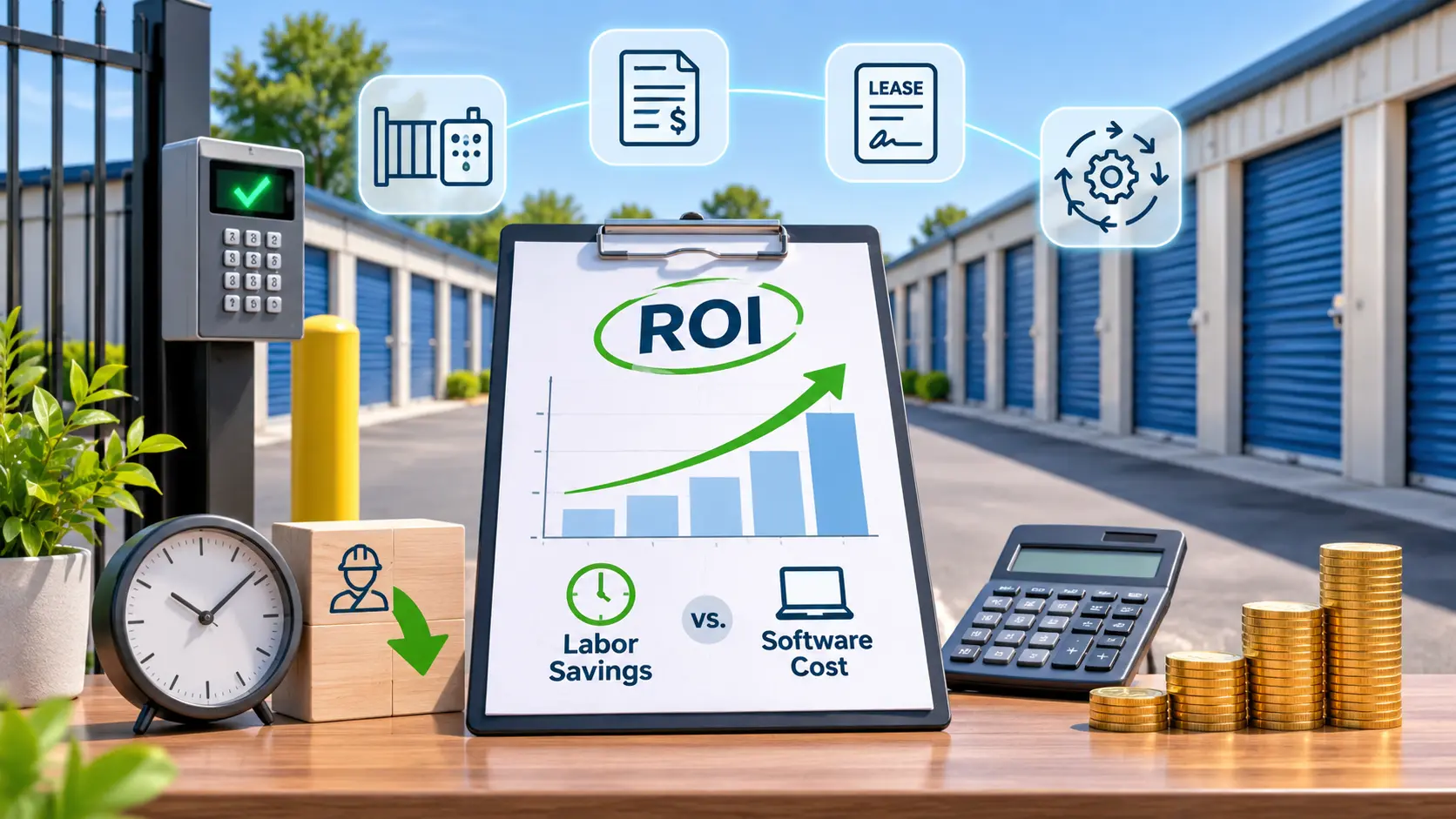
Calculating ROI on Self-Storage Automation: Labor Savings vs. Software Cost
ROI on Self-Storage Automation equals your yearly labor savings plus new revenue, minus total software costs, divided by those costs. Many facilities with 150 or more units can recover in under a year when they track the numbers honestly. The math works because self-storage management software takes over repeat tasks like move-ins, billing, and late-fee follow-up. This guide shows the formula, a worked example, and the traps that skew results.
Owners often judge automation by the monthly fee alone. That view ignores the hours your team spends on manual work and the rentals lost after closing time. A full picture compares labor, occupancy, collections, and one-time setup costs side by side. The table below gives you a quick starting point before the detailed steps.
Labor Savings vs. Software Cost at a Glance
| Task | Manual Hours/Month | Automated Hours/Month | Hours Saved |
| Move-ins and lease signing | 40 | 8 | 32 |
| Invoicing and payment posting | 25 | 3 | 22 |
| Delinquency and late-fee follow-up | 30 | 10 | 20 |
| Reporting and bookkeeping exports | 15 | 2 | 13 |
| Gate code and access updates | 12 | 1 | 11 |
| Routine tenant calls and emails | 35 | 20 | 15 |
| Total | 157 | 44 | 113 |
| Cost or Benefit | Amount |
| Monthly labor savings (113 hrs × $18) | $2,034 |
| Yearly labor savings | $24,408 |
| Software subscription (example, $350/month) | $4,200/year |
| One-time setup and hardware (example) | $7,500 |
What Automation Covers
Facility management software handles far more than rent collection. A modern platform runs the whole tenant lifecycle from first click to move-out.
Core automated functions include:
- Online rentals and reservations
- Digital leases with e-signature
- Autopay and recurring billing
- Automated late notices and lien workflows
- Gate access and smart lock integration
- Reporting on occupancy rate, delinquency, and revenue per available foot
Tracking ROI on Self-Storage Automation for small-town facilities starts by listing which of these tasks your team still does by hand. Each manual task is a line item you can price. Reviewing examples of storage software helps you match features to your actual workload.
The Labor Savings Math
Labor is the easiest benefit to measure. Use a simple four-step count.
- Log every recurring task your staff handles for two weeks.
- Record the hours each task takes per month.
- Estimate the hours left after automation, using a software demo as your guide.
- Multiply the hours saved by your fully loaded hourly rate, including payroll taxes and benefits.
Be honest about what “saved” means. If a manager works fewer hours, that is a cash saving. If the same manager spends those hours on marketing and tenant outreach, it is a productivity gain.
Software Cost Breakdown
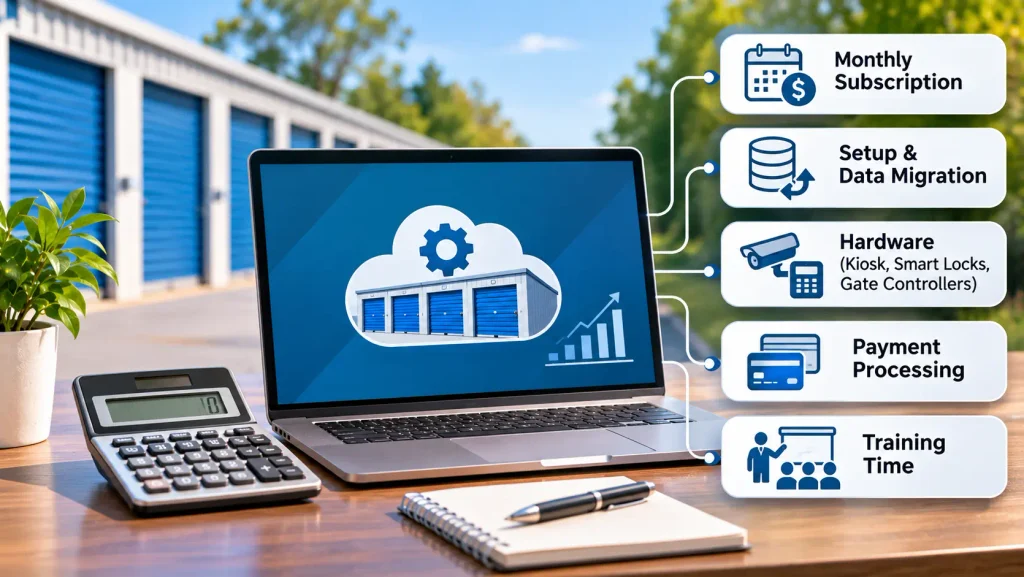
Count every dollar, not only the subscription. A true cost list prevents inflated returns.
- Monthly subscription: Usually priced by unit count or facility count.
- Setup and data migration: Moving tenant records and unit data from old systems.
- Hardware: Kiosks, smart locks, and gate controllers for unattended hours.
- Payment processing: Card and ACH fees, which you would pay anyway in most cases.
- Training time: Staff hours spent learning the system.
Pricing varies widely between vendors, so compare self-storage software with the best prices against the features you need. The cheapest plan can cost you more if it lacks autopay or online rentals.
Revenue Gains Beyond Labor
Labor savings tell only half the story. Automation also lifts income.
- After-hours rentals: Online rentals capture tenants who search at night or on weekends.
- Fewer missed payments: Autopay and automatic reminders cut delinquency.
- Faster unit turns: Digital move-outs and listings put vacant units back on the market sooner.
- Smarter rate changes: Rate management tools adjust street rates as occupancy shifts.
- Better unit mix: Flexible customizing storage unit configurations lets you meet demand for sizes that rent fastest.
A platform such as 6Storage bundles several of these tools in one dashboard. That keeps your cost per door low as you add units.
Formula for ROI on Self-Storage Automation
The formula is short:
ROI (%) = (Total Yearly Benefits − Total Yearly Costs) ÷ Total Yearly Costs × 100
Here is the 300-unit example from the table:
- Labor savings: $24,408
- Occupancy lift: 3 points, or 9 more rented units at $120 per month = $12,960 per year
- Recovered late payments: $3,000
- Total yearly benefit: $40,368
- Year-one cost: $4,200 subscription + $7,500 setup and hardware = $11,700
Net gain is $28,668. Divide by $11,700 and the year-one return is about 245%. Payback takes roughly 3.5 months.
Year two looks even better. The one-time costs are gone, leaving only the $4,200 subscription against similar benefits.
Payback by Facility Size
These are rough planning ranges, not guarantees.
- Under 150 units: Payback often takes 8 to 12 months, since fewer tasks exist to automate.
- 150 to 400 units: Payback often lands between 4 and 8 months.
- 400+ units or multi-site: Payback can drop to 3 to 6 months, because one system replaces several manual processes.
Unattended or remote-managed sites usually see the fastest return. They rely on software for nearly every tenant interaction.
Mistakes That Skew Results
Bad inputs produce misleading returns. Watch for these errors.
- Counting hours saved that nobody actually removes or redirects
- Ignoring setup, hardware, and training costs
- Assuming a large occupancy jump with no marketing change
- Using street rates instead of actual collected rent
- Skipping a baseline, so you cannot prove the change later
Measuring ROI on Self-Storage Automation only works if you capture your numbers before launch. Record current occupancy, delinquency rate, and weekly staff hours on day one.
Steps to Run Your Own Numbers
- Pull 12 months of occupancy, collections, and payroll data.
- List every manual task and its monthly hours.
- Request quotes from two or three vendors, including all fees.
- Build a simple spreadsheet with benefits in one column and costs in another.
- Apply the formula, then test a cautious case using half your expected gains.
- Recheck the results at 90 days and again at 12 months.
If the cautious case still pays back within a year, the decision is easy.
FAQs
Is self-storage automation worth it for a small facility?
Yes, in most cases, though payback runs slower than at larger sites. A facility under 150 units has fewer hours to save, so focus on online rentals and autopay first. Those two features deliver the quickest gains.
How long does it take to recover the cost of storage software?
Most facilities recover the cost in 4 to 12 months. Larger and unattended sites tend to land at the faster end. Your own timeline depends on setup costs and how many manual tasks you remove.
Can automation replace an on-site manager?
No, it reduces manager hours but rarely removes the role entirely. Someone still handles maintenance, auctions, and tenant problems. Many owners shift from full-time to part-time coverage.
How much does self-storage management software cost per month?
Most platforms charge roughly $100 to $500 per month, depending on unit count and features. Add-ons like website builders and call handling can raise the total. Always request a written quote with every fee listed.
Does autopay really lower delinquency?
Yes, tenants on autopay miss fewer payments because no one has to remember a due date. Failed cards still happen, so pair autopay with automatic reminders. This combination keeps collections steady.
Do I need smart locks or kiosks to see a return?
No, software alone can deliver a strong return through billing and online rentals. Hardware adds value mainly for unattended or after-hours operations. Add it later once your core system runs smoothly.
Will online rentals raise my occupancy rate?
Often, yes, because they capture renters who browse outside office hours. The size of the lift depends on your website, local demand, and pricing. Treat any projected gain cautiously until you have 90 days of data.
What happens to my staff when I automate?
Staff usually shift from data entry to sales, tenant service, and property upkeep. Share the plan early so the team sees the change as support, not a threat. Offer training before launch.
Can I switch software without losing tenant data?
Yes, most vendors import tenant records, unit lists, and balances from your old system. Ask for a test migration and confirm autopay profiles transfer. Card tokens may need tenants to re-enter details in some cases.
Conclusion
Automation pays for itself when you count labor, revenue, and collections together. Start with a task log, price every cost, and apply the formula to your own facility. Test a cautious scenario before you sign a contract.
Track your baseline now so the results stay credible later. Review ROI on Self-Storage Automation in your local market with real quotes and real unit counts. A clear spreadsheet turns a software purchase into a decision you can defend to partners and lenders.

Leave a Reply